Introduction to Computer Monitor Cable Types
When setting up a computer, one of the most important yet often overlooked components is the connection between the monitor and the computer. The type of cable used can affect the display quality, refresh rate, and overall performance. Knowing the different computer monitor cable types is essential for both casual users and professionals who demand high-resolution visuals. The right cable ensures that your monitor delivers the best possible picture and reduces issues such as screen flicker or signal loss.
HDMI: High-Definition Multimedia Interface
HDMI is one of the most common computer monitor cable types used today. It is capable of transmitting both high-definition video and audio over a single cable, making it convenient and efficient. HDMI cables are widely used in modern monitors, laptops, and gaming systems. The standard supports high resolutions up to 4K, and newer versions, such as HDMI 2.1, can support 8K video and higher refresh rates. HDMI is particularly popular for home entertainment setups and gaming rigs due to its ability to carry high-quality audio alongside video, which reduces the number of cables needed.
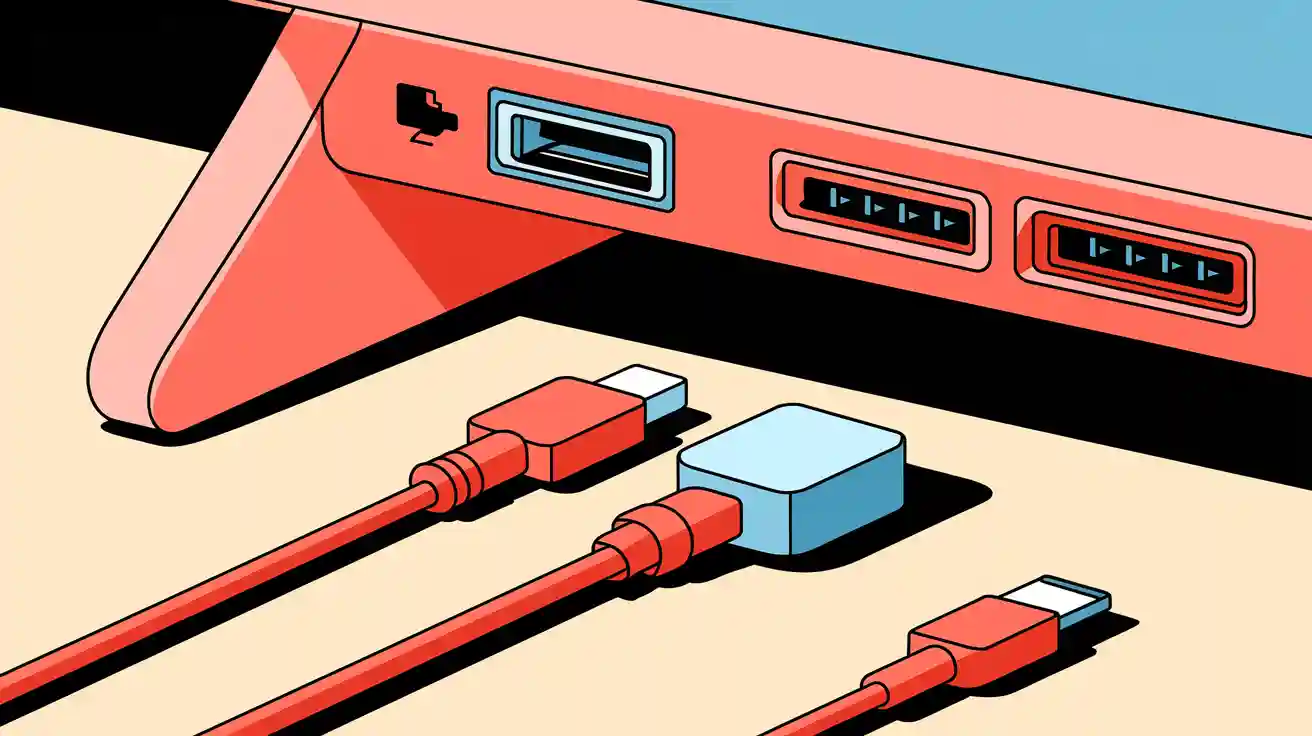
DisplayPort: Advanced Performance for Professionals
DisplayPort is another important type in the list of computer monitor cable types. It is designed specifically for computer monitors and offers superior performance compared to HDMI in some scenarios. DisplayPort supports higher resolutions and refresh rates, making it ideal for professional workstations, gaming setups, and multi-monitor configurations. Unlike HDMI, DisplayPort can daisy-chain multiple monitors from a single output, simplifying complex setups. DisplayPort also supports adaptive sync technologies like FreeSync and G-Sync, which help prevent screen tearing during fast-paced gaming.
DVI: Digital Visual Interface
DVI was once the standard for computer monitors and is still found in older systems. It is part of the computer monitor cable types that focuses purely on video transmission, without audio support. DVI comes in multiple versions, including DVI-D (digital only), DVI-A (analog only), and DVI-I (integrated digital and analog). While it doesn’t offer the same versatility as HDMI or DisplayPort, DVI is capable of supporting high-resolution displays up to 2560x1600, making it sufficient for many traditional computing tasks.
VGA: The Classic Analog Connection
VGA is the oldest and least advanced among the common computer monitor cable types. It transmits analog video signals, which can result in lower image quality compared to modern digital cables. VGA is still used in some older systems, projectors, and budget setups. While it is capable of handling resolutions up to 1080p, signal degradation can occur over long distances, and it cannot carry audio signals. Despite being largely outdated, VGA cables remain a useful option for legacy equipment.
USB-C: The Modern All-in-One Solution
USB-C is emerging as a versatile addition to the list of computer monitor cable types. Many new monitors and laptops now include USB-C ports that can transmit video, audio, data, and even power through a single cable. USB-C supports high-definition video and can connect to DisplayPort monitors using the appropriate adapter. This all-in-one solution reduces cable clutter and is especially popular in modern workspaces and portable setups.
Choosing the Right Cable for Your Needs
Selecting the right cable from the various computer monitor cable types depends on your monitor’s specifications, the resolution you want to achieve, and the devices you are connecting. For casual users, HDMI is often the most convenient choice, while gamers and professionals may prefer DisplayPort for higher refresh rates and advanced features. Legacy systems might still require DVI or VGA connections, whereas modern laptops increasingly rely on USB-C for a streamlined setup.
Conclusion
Understanding the different computer monitor cable types is essential for optimizing your visual experience and ensuring compatibility between devices. Each type has its own strengths, whether it’s HDMI for convenience, DisplayPort for high performance, DVI for older systems, VGA for analog support, or USB-C for modern all-in-one solutions. By choosing the appropriate cable, you can enjoy clearer images, smoother performance, and a more efficient setup tailored to your needs. Investing time in knowing these cable types can make a significant difference in both everyday use and specialized computing environments.
Follow Us On Tiktok For More Information: